
Find the right monitor for your space, budget, and game
Your launch monitor is one of the most important decisions in a golf simulator build. It determines how your shots are tracked, what data you can see, which software you can use, and even how much space your setup requires. It’s one of the five key components you need for a fantastic setup.
But there is no single “best” launch monitor.
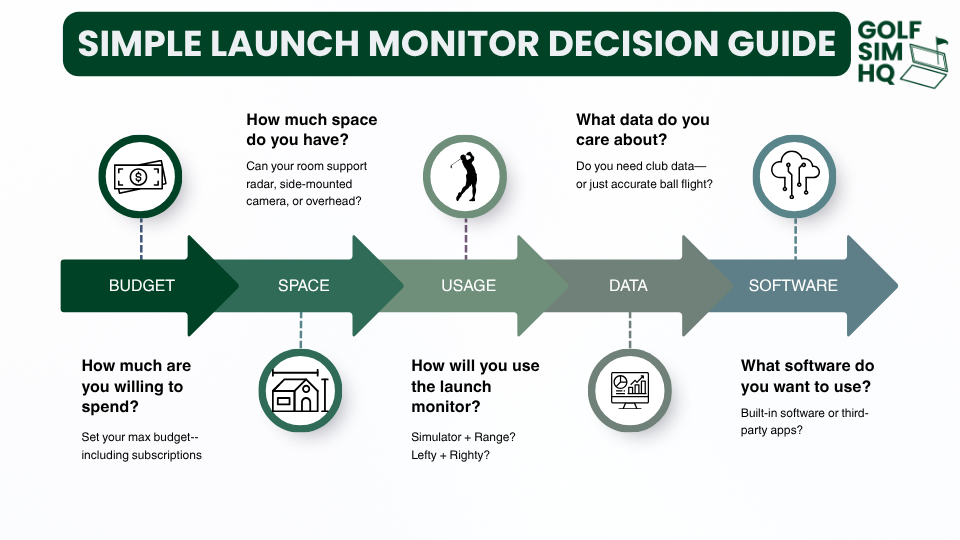
The right choice depends on your budget, available space, indoor or outdoor use, data needs, software preferences, whether both right- and left-handed golfers will use it, and any ongoing subscription costs.
This guide will walk through those factors first, then compare the best options for different budgets and use cases.
The goal is simple: find the launch monitor that best fits your setup—not just the most expensive or most popular one.
What Is a Launch Monitor?
A launch monitor is the device that tracks what happens when you hit a golf ball.
Depending on the model, it can measure data such as ball speed, launch angle, spin, carry distance, club speed, club path, and face angle. That data can then be used for practice, swing analysis, club fitting, or to power a full golf simulator.
A launch monitor is not the same thing as a golf simulator. The launch monitor captures the shot data, while simulator software uses that data to recreate the shot on a virtual course or driving range.
Types of Launch Monitors
Launch monitors generally fall into these categories: camera-based, radar-based, hybrid, and overhead systems. Each tracks shots differently, and that directly affects accuracy, placement, portability, and space requirements.
Camera-Based Launch Monitors
Camera-based, or photometric, launch monitors use high-speed cameras positioned beside the ball to capture impact and the ball's initial flight.
Advantages: Excellent indoor performance, minimal room-depth requirements, and often strong ball and club data.
Disadvantages: Side placement can be inconvenient when switching between right- and left-handed golfers. Limited models available in the budget price-range.
Radar-Based Launch Monitors
Radar launch monitors sit behind the golfer and use radar to track the ball as it travels through the air after contact.
Advantages: Easy for right- and left-handed golfers to share, typically portable, and often well suited for outdoor range use.
Disadvantages: Usually require more room depth indoors because the radar needs space behind the ball and enough ball flight before the screen.
Hybrid Launch Monitors
Hybrid systems combine radar and cameras, in an effort to capture more data and improve shot tracking.
Advantages: Can combine the strengths of multiple technologies and provide robust ball and club data.
Disadvantages: They can be more expensive and may still require significant room depth depending on placement.
Overhead Launch Monitors
Overhead systems are permanently mounted to the ceiling above the hitting area and use cameras or other sensors to track shots.
Advantages: Nothing sits on the floor, large hitting areas, and seamless use for both right- and left-handed golfers.
Disadvantages: Higher cost, permanent installation, and specific ceiling-height and mounting requirements.
If you want a deeper explanation of the types of launch monitor and how each works, see our Launch Monitors 101 Guide.
Decision Criteria
Key Questions to Ask to Determine Which Launch Monitor is Best for You
How Much Space Do You Have?
Your available space can eliminate certain launch monitors before price or features ever come into play.
Camera-based units sit beside the ball and generally require very little additional room depth, making them a strong fit for smaller simulator spaces.
Radar-based units sit behind the golfer and need enough distance both from the monitor to the ball and from the ball to the screen. Typically, they’ll need at least 8 feet of ball flight and 8 feet between the unit and impact. In shorter rooms, that can become a major limitation.
Overhead units avoid floor-space concerns, but require sufficient ceiling height and a permanent mounting location above the hitting area.
Before buying any launch monitor, make sure it actually works in your room.
Where Will You Use It?
Think about whether your launch monitor will live permanently in your simulator or travel with you to the driving range.
For a dedicated indoor simulator, prioritize indoor accuracy, space efficiency, putting performance, and a setup that can stay calibrated and ready to use.
If you also want to use it outdoors, portability matters more. Look for a unit that is easy to move, quick to set up, battery-powered, and reliable when tracking full ball flight.
If range use is important to you, don’t buy a launch monitor that is essentially designed to stay mounted in one place.
What Data Do You Actually Need?
More data is not always better. The key is knowing which metrics actually matter for how you plan to use the launch monitor.
Core ball data includes metrics like ball speed, launch angle, launch direction, spin, and carry distance. For basic simulator use, this is usually enough to create a realistic shot.
Advanced ball data can include spin axis, apex, descent angle, and total distance. These are more useful for players focused on shot shape and trajectory.
Club data includes club speed, smash factor, club path, face angle, face-to-path, angle of attack, dynamic loft, and impact location. This becomes much more important for swing analysis, coaching, and serious game improvement.
Do You Really Need Club Data?
If your primary goal is simply to play simulated golf, probably not.
If you want to understand why the ball is doing what it is doing and use the launch monitor as a practice tool, club data can be one of the most valuable upgrades you can pay for.
Hitting Area and Ease of Use?
Not all launch monitors are equally easy to live with. Are you OK with a few extra setup steps to maximize accuracy, or do you want things to be as simple as possible?
Some require the ball to be placed within a very specific hitting zone, while others give you more room to move around. Setup can also vary based on alignment, calibration, mounting, and whether the unit needs to be repositioned between golfers.
For a permanent simulator, a larger hitting area and minimal setup can make a big difference in day-to-day usability.
For a portable setup, prioritize quick alignment, easy calibration, and a unit that can be moved without turning every session into a setup project.
Right and Left-Handed Golfers?
If both right- and left-handed golfers will regularly use your simulator, launch monitor placement matters.
Side-mounted camera units often need to be moved when switching between righties and lefties, which can interrupt play and require realignment.
Radar and overhead systems generally work from a central position, making them much easier for families, groups, and multiplayer setups.
For a solo golfer, this may not matter at all. For a shared simulator, it can be one of the most important buying considerations.
Other Considerations
Simulator Software Compatibility
Your launch monitor determines which simulator software you can use, so compatibility is worth checking before you buy.
Some units are designed primarily around the manufacturer’s own software, while others support popular third-party platforms. You should also check whether the software runs on PC, iOS, or both.
Consider:
Course selection
Graphics quality
Multiplayer and online play
Practice modes
Third-party software support
Required subscriptions
If you already know which simulator software you want to use, make sure your launch monitor supports it before making a purchase.
Computer and Hardware Requirements
The price of the launch monitor is not always the full technology cost.
Some units can run on their own or connect to a phone or tablet, while others require a Gaming PC to use simulator software. Depending on your setup, you may also need specific display connections, adapters, or a reliable wired or wireless network connection.
Before buying, check what hardware is required to run both the launch monitor and the simulator software you plan to use.
A less expensive launch monitor can become a much more expensive setup if it also requires a new gaming computer.
Putting and Short-Game Performance
Is putting important to you?
Some units track putts, chips, and short pitches better than others, while some have minimum shot-distance requirements or smaller hitting zones that can make short-game play less natural.
For a practice-focused setup, this may not matter much. For a simulator built around playing 18 holes, reliable short-game and putting performance can have a major impact on the experience.
If putting support is limited, check whether your preferred simulator software offers auto-putt or gimmie settings as an alternative.
Launch Monitor Price Tiers
Launch monitors span a huge range of prices, and spending more generally gets you better data, fewer limitations, and a more polished simulator experience.
Entry-level [Under $2,000]: Best for budget builds and casual use. Expect fewer data points, more calculated metrics, and potentially more limitations indoors compared to more expensive options. However, with recent advancement in technology, you can still get an incredibly accurate unit in this range.
Mid-range [$2,000 - $8,000]: The sweet spot for many home simulators, with strong accuracy, better software compatibility, and more complete ball and club data.
Premium [$8,000 - $20,000]: Typically adds more advanced club data, larger hitting areas, better short-game performance, and fewer compromises.
Professional / commercial [$20,000+]: Built for high-end simulator rooms, club fitting, instruction, or heavy use, often with overhead mounting and large hitting zones.
The key is to pay for the features you will actually use rather than assuming the most expensive option is automatically the best fit.
Don't Forget Subscription Fees
The purchase price is (sometimes) only part of the cost.
Some launch monitors require annual subscriptions to unlock club data, simulator software, third-party integrations, premium features, or course access.
That means a cheaper launch monitor can sometimes cost more over time than a more expensive unit with fewer recurring fees.
When comparing options, look at the 3- to 5-year cost of ownership, not just the price on the box.
A $2,000 launch monitor with a $500 annual subscription can eventually cost more than a $4,000 monitor with no mandatory subscription.
Recommendations
Now that you know what factors matter, here are our top launch monitor picks by budget and use case.
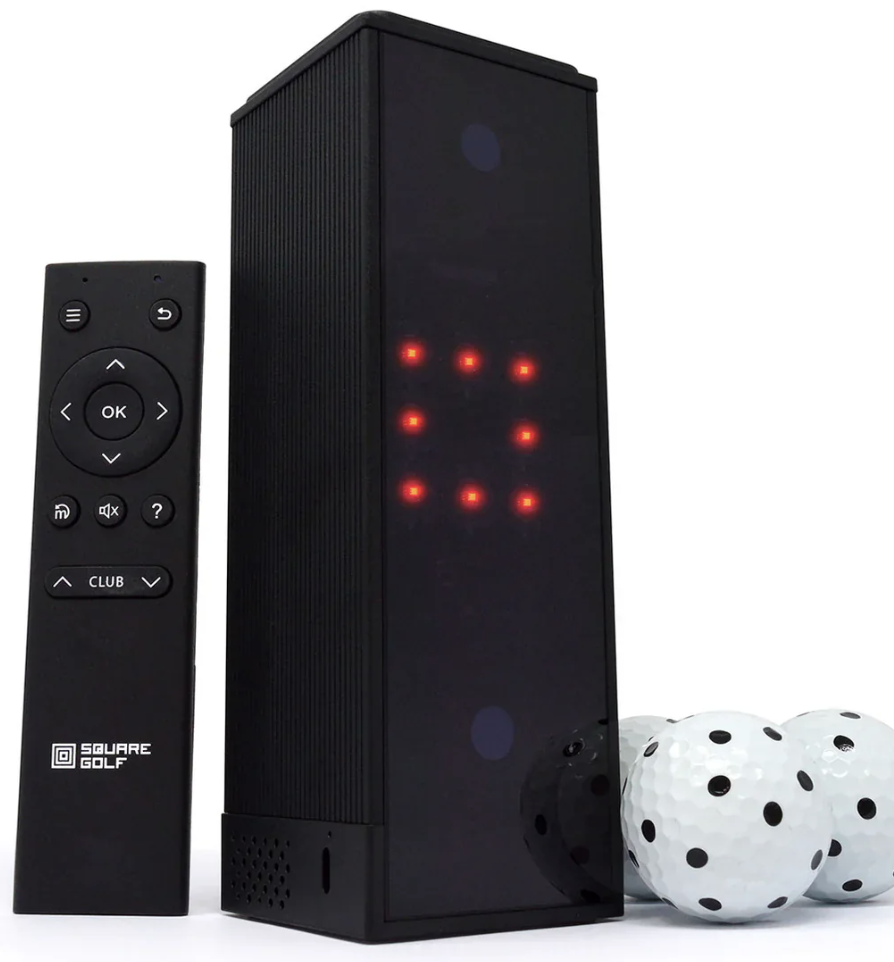
Best Launch Monitor Under $1,000
Simple to use and accurate. This Camera-based unit provides strong accuracy, putting support, and simulator-friendly performance without needing the extra room radar systems require. It’s one of the easiest ways to get a genuinely good home sim experience on a tight budget.
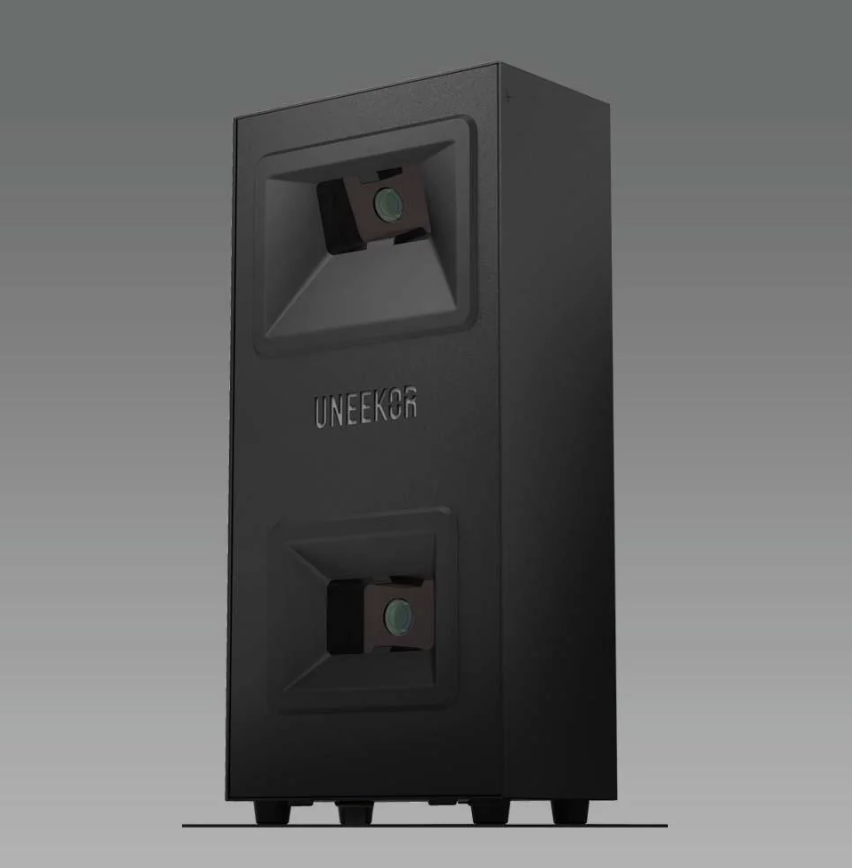
Best Launch Monitor Under $2,000
Delivers the kind of camera-based accuracy, club data, and simulator performance you usually have to spend much more to get. A major step up from budget units without crossing into premium pricing.
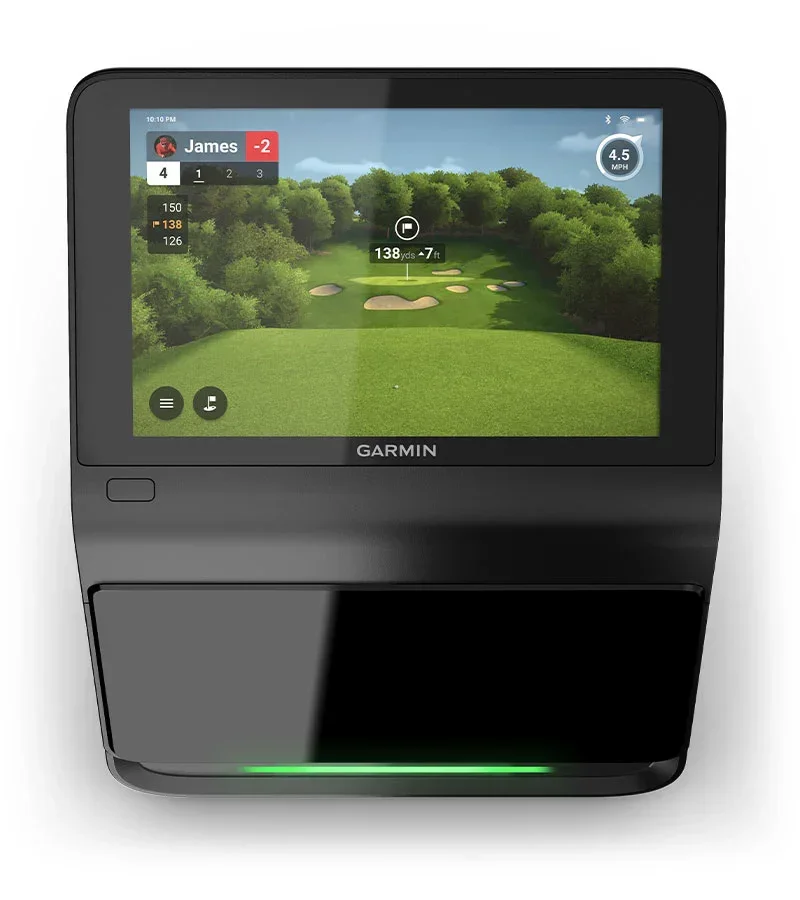
Best Launch Monitor Under $5,000
Premium accuracy and data with an outstanding set of bells and whistles — including a built-in touchscreen for a true standalone simulator experience.
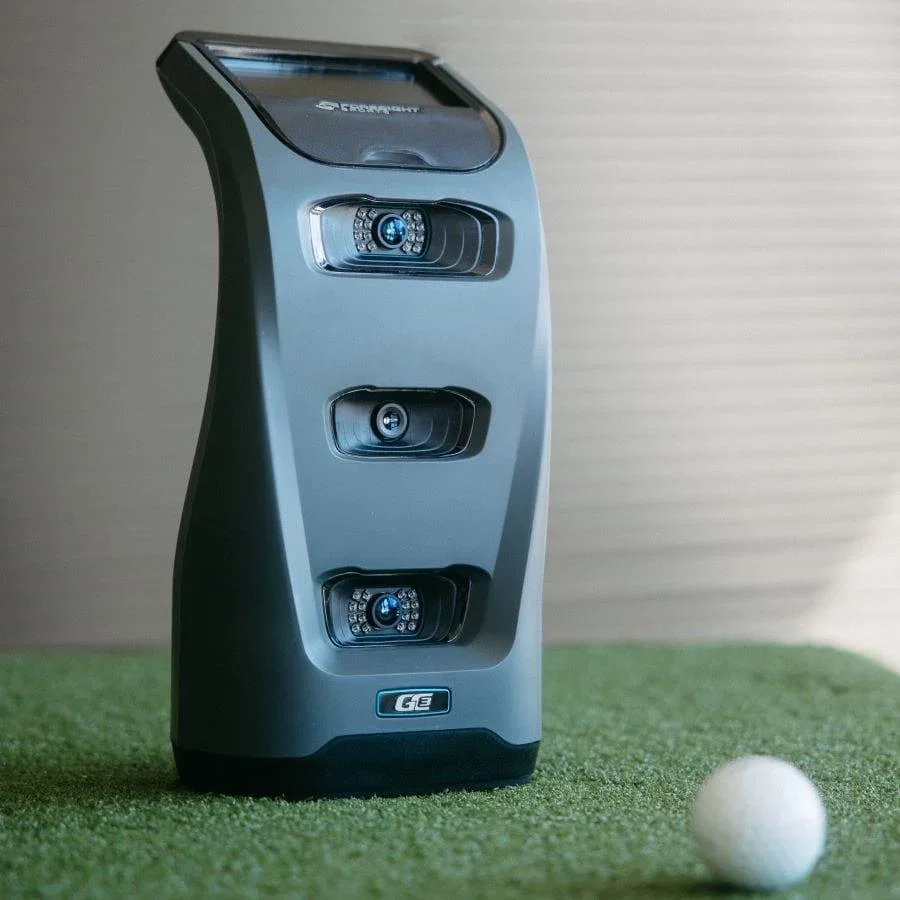
Best Portable Camera-Based Launch Monitor
Pairs tour-level photometric accuracy with a compact, self-contained design that’s easy to move between your simulator, garage, and driving range - without the $20,000 price tag.
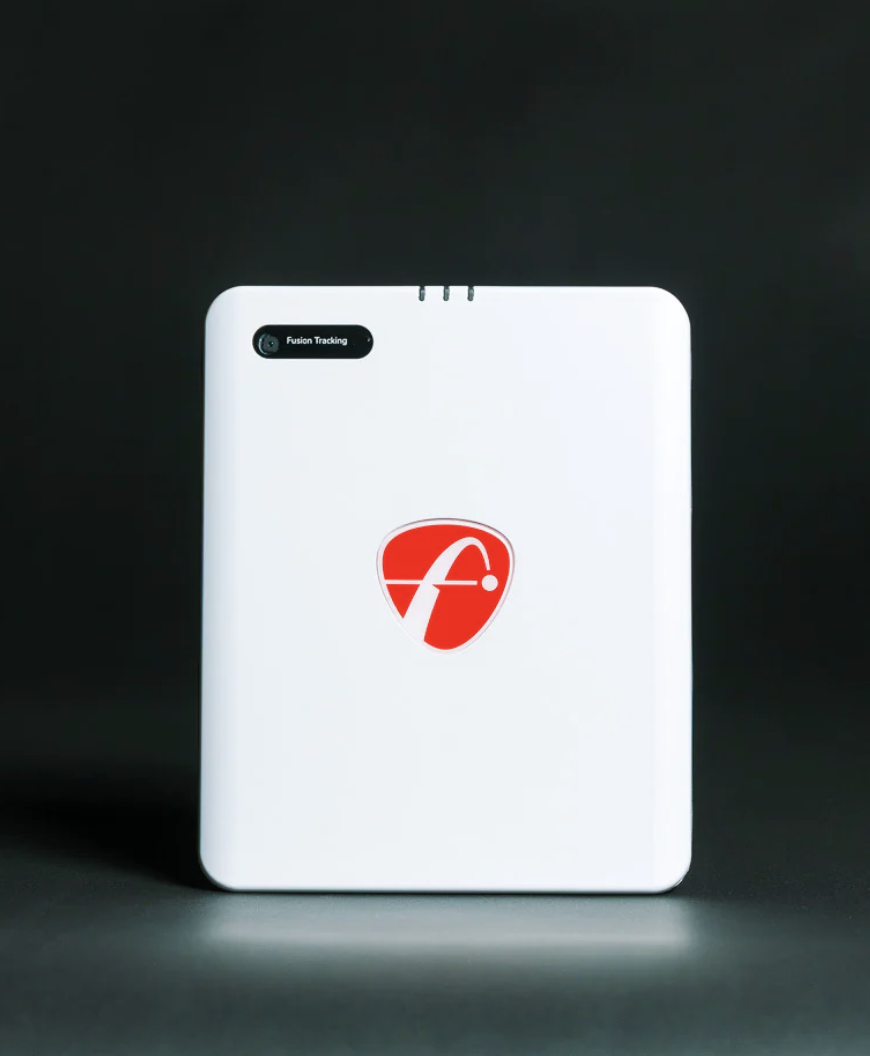
Best Radar Launch Monitor
Strong indoor/outdoor performance, rich data, and excellent value. If you have the room depth for radar, it also belongs in the conversation for best launch monitor under $2,000.
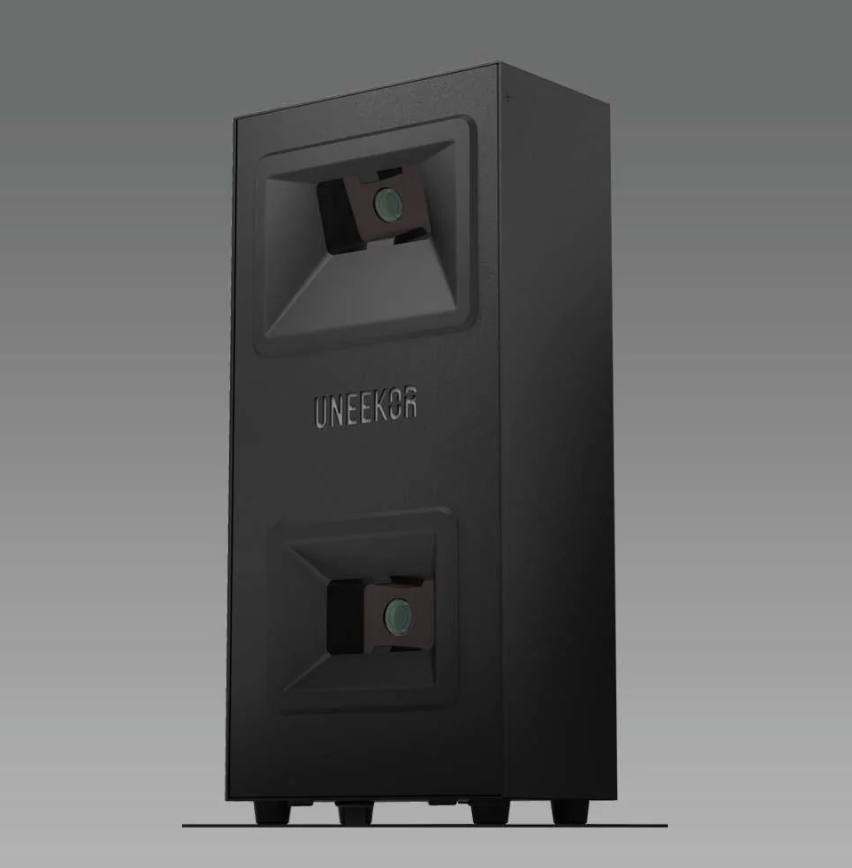
Best Launch Monitor for Small Spaces
Delivers the kind of camera-based accuracy, club data, and simulator performance you usually have to spend much more to get. A major step up from budget units without crossing into premium pricing.
Best for Right- and Left-Handed Golfers
Sits behind the hitting area, so nobody has to move the launch monitor when switching between righties and lefties. Much more affordable than solving the same problem with an overhead unit.
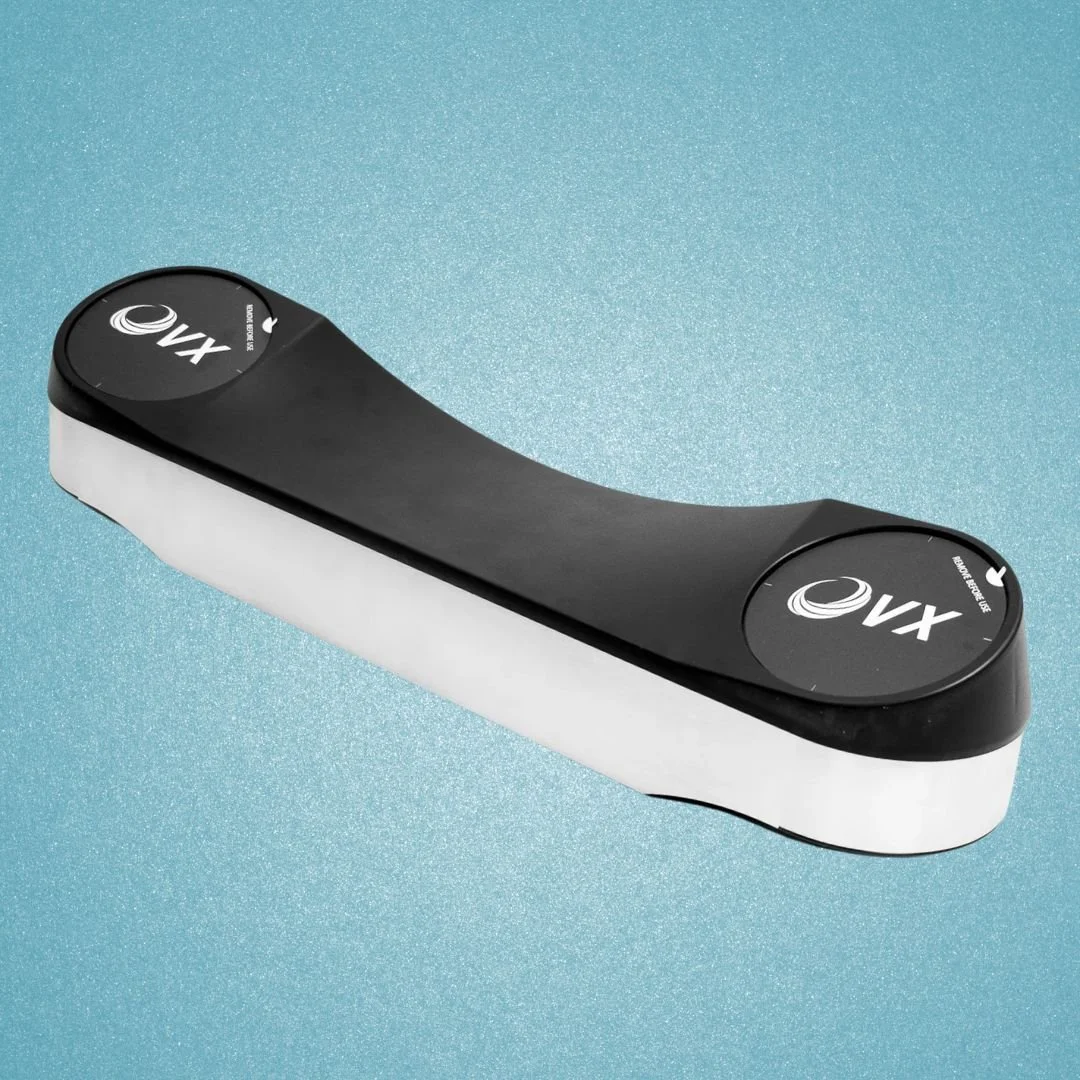
Best Overhead Launch Monitor
Premium, permanent-sim experience without jumping into five-figure pricing. You get a large hitting area, strong ball and club data, and seamless righty/lefty use with no unit sitting on the floor.
The launch monitor will set the tone for your entire setup. But you’re not done when you pick your launch monitor - if you’re in the planning phase, check out our article on Planning a Golf Simulator From Start to Finish.
